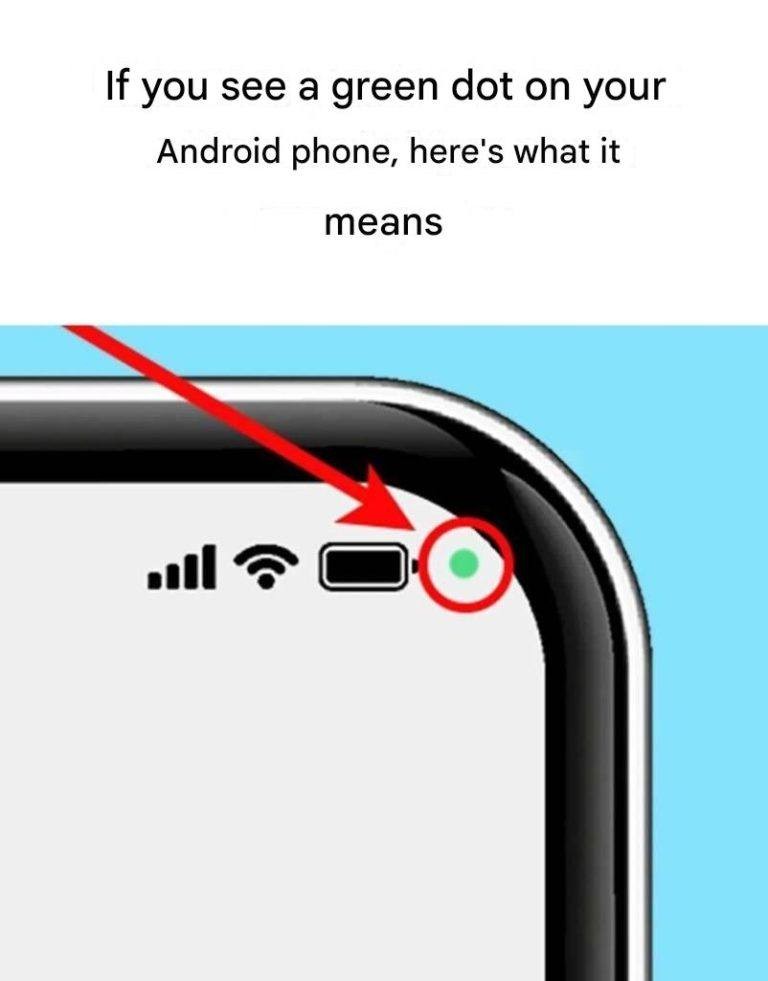
Have you noticed the appearance of an enigmatic green dot in the top right corner of your screen? Discover the crucial role of this symbol in protecting your privacy and how to take action to secure your personal data.
Why does the green dot appear on your smartphone?
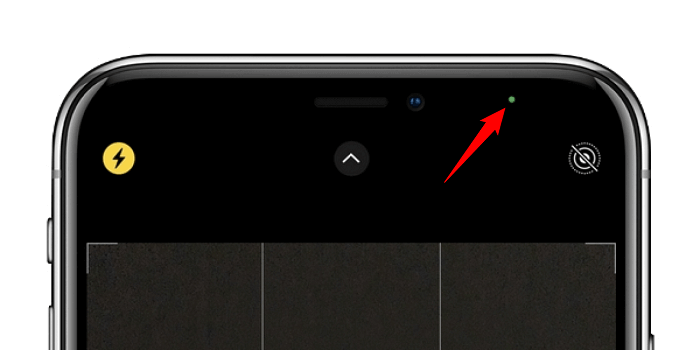
Android smartphones, like iPhones, use visual signals to indicate access to sensitive features. The green dot is a security symbol that means an active app is using your camera or microphone.
- If you are using the camera, there is nothing to worry about.
- However, if no running programs require these features, this may indicate a possible violation of your privacy.
What you need to know:
- The green dot appears as soon as an application accesses your microphone or camera.
- This discreet indicator alerts you so that you can react quickly.
- Unlike iPhones, Android uses a single indicator for both functions (microphone and camera).
How to detect the application using your camera or microphone?
If the green dot appears for no apparent reason, it’s crucial to check which app is currently in use. Android offers a simple method to identify the responsible app. Here are the steps to follow:
- Swipe down the notification bar.
- Tap the green dot to see if the microphone, camera, or both are in use.
- Identify the relevant application whose name will be displayed on the screen.
- Take the necessary steps: if the application is legitimate, let it run; otherwise, review its permissions.
What should you do if you have suspicions about an application?
If an app is using your camera or microphone without your consent, act quickly. Here are the steps to take:
- Check permissions in Settings > Privacy > Permission Management to limit access to non-essential applications.
- Uninstall any unnecessary or suspicious applications.
- Update your Android system to benefit from the latest security patches.
Protect your privacy with these best practices
To secure your personal data, adopt these simple habits:

- Only download apps from official sources like the Google Play Store.
- Regularly review the permissions granted to installed applications.
- Install a reliable mobile antivirus to detect any suspicious activity.
By remaining vigilant and controlling access to your applications, you can use your phone with complete peace of mind.